


 Sign in
Open and edit PSD files without installing anything
Load a PSD file, inspect the layers, make changes and export the result. All locally, in a single browser tab.


 Free, no account
About
A PSD editor that lives in your browser
QuickPSD opens PSD files without installing anything. Parsing, layer preview and editing all happen on your device, in a single browser tab.
The server only counts exports. The contents of your file never reach us, so your project stays private from load to download.


Features
What QuickPSD can do
Full layer tree
Read the layer structure with names, thumbnails, opacity and visibility.


Parsing in the browser
The heavy work runs in the background, so the interface stays smooth.


Blend modes and opacity
Change the blend mode and opacity of every layer in real time.


Text and images
Add text and image layers, move and transform the content.


Export to many formats
Save the scene to PNG, JPG, WebP or back to a PSD file.


Private by design
The file never leaves your browser. The server never sees its contents.


Numbers
QuickPSD in numbers
The rules are simple: local editing, clear limits and zero file uploads.
Process
How it works
Load
Drag a PSD file in or pick it from your device. It opens locally, with no upload.
Edit
Reorder layers, change opacity and blend modes, add text, undo changes.
Download
Export the result to PNG, JPG, WebP or back to PSD.
Your file stays with you
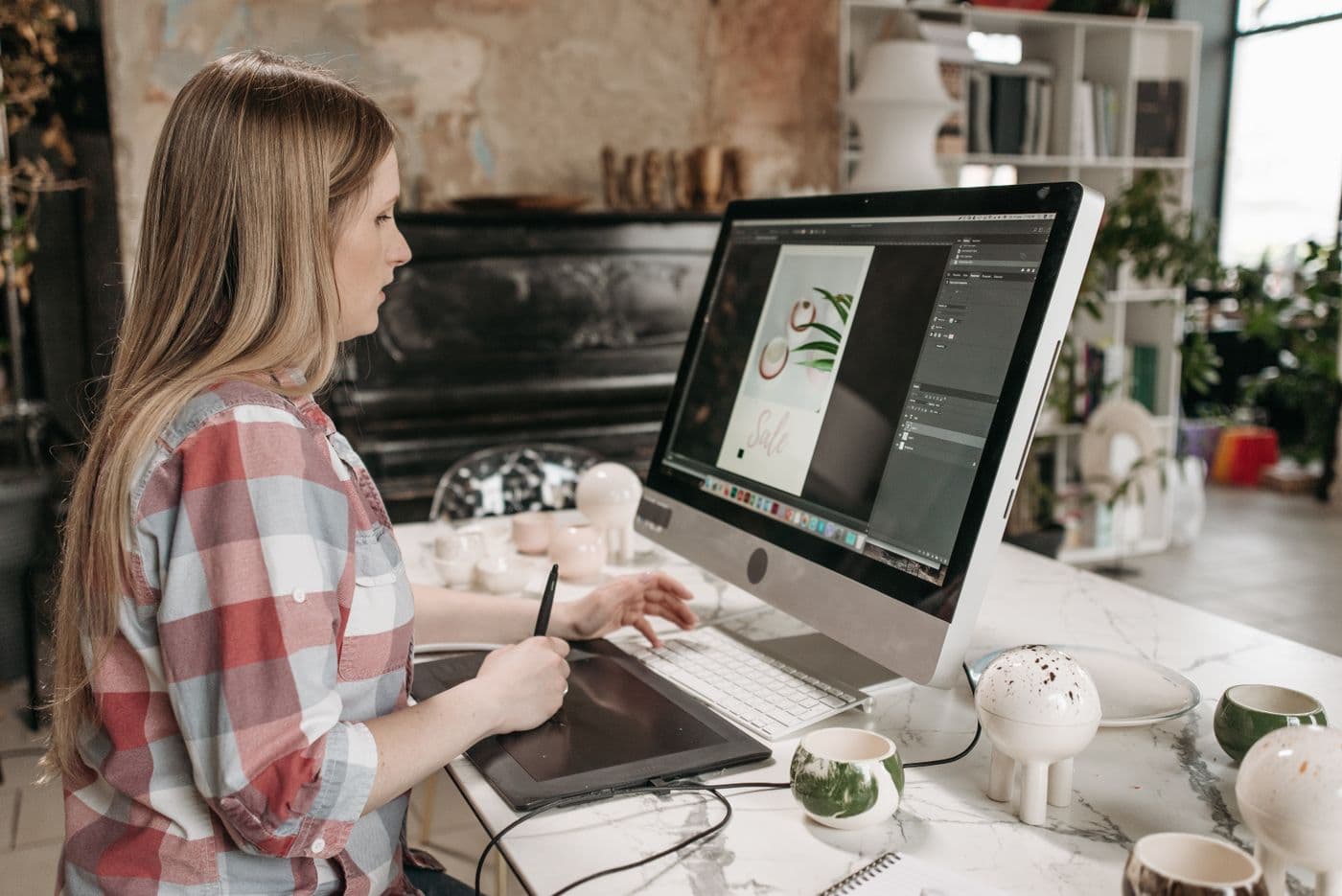
Parsing and editing happen in the browser. The PSD file is never uploaded to a server - so it works faster and stays private.
Open editorHelp
Guides
Reviews
What users say
Section in progress - placeholder content below.
Lorem ipsum dolor sit amet, consectetur adipiscing elit. Sed do eiusmod tempor incididunt ut labore et dolore magna aliqua.
Ut enim ad minim veniam, quis nostrud exercitation ullamco laboris nisi ut aliquip ex ea commodo consequat.
Duis aute irure dolor in reprehenderit in voluptate velit esse cillum dolore eu fugiat nulla pariatur.
FAQ
Frequently asked questions
Do I have to install anything?
No. QuickPSD runs in the browser on Windows, macOS, Linux and Chrome OS - with no install.
Does my file go to a server?
No. The PSD file is processed locally in your browser and is never uploaded to a server.
Which export formats are available?
You can export to PNG, JPG, WebP and back to a layered PSD file.
Is QuickPSD free?
Yes, with a daily download limit. Local editing is unlimited.
Are layers and blend modes supported?
Yes. You see the layer tree and can change visibility, opacity and blend mode for each one.
A fast and free online PSD editor
QuickPSD is a free PSD editor that runs entirely in your browser. You open a PSD file in seconds - no install, no sign-up and no uploading your project anywhere. Everything happens on your computer.
The editor supports layers, blend modes, text, images and color adjustments. Export the finished project to PNG, JPG or WebP, or back to a PSD file with layers intact. It shines at quick fixes: swapping text, hiding a layer or converting PSD to PNG online.
Editing is unlimited and always free. The free plan includes 30 downloads a day, 50 with an account - you only pay when you need unlimited exports.